
Tutorial website template optimized for Android
Explore Similar TemplatesAbout template
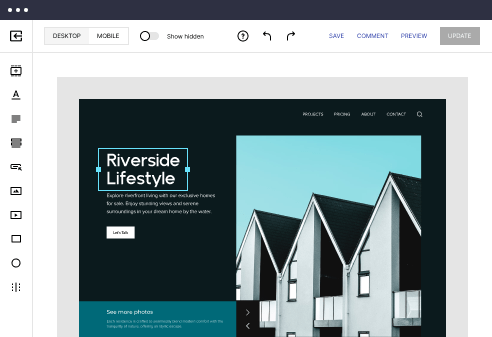
Craft smooth digital experiences for your leads and customers with our tutorial website template optimized for Android.
Recommended templates


Easy to build without coding
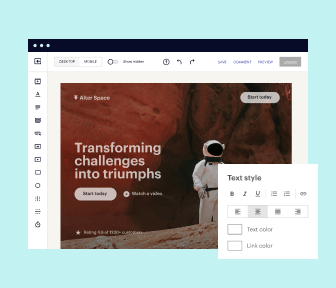
With the intuitive drag-and-drop builder, anyone on your team can create high-converting pages without any knowledge of code or design. Make enhancements to your landing page with custom widgets using Javascript, HTML/CSS, or third-party scripts.
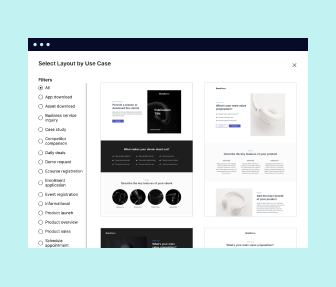
Multiple layouts for any industry and goal
Select from 500+ landing page layouts built to boost conversions across industry-specific scenarios. Customize them by adjusting fonts, adding images, and generating on-brand content with the AI assistant. Quickly scale with Instablocks® and Global Blocks that you can save, reuse, and update globally.
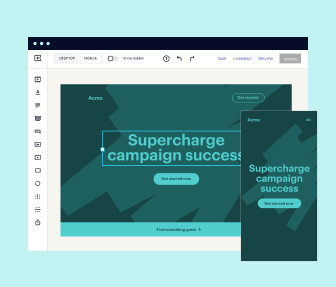
Loads fast and looks polished on any device
Every template is responsive, which means they present professionally on any device and load blazingly fast with our Thor Render Engine. You can also power them up with Google AMP technology to deliver an unparalleled mobile experience and drive higher conversions.
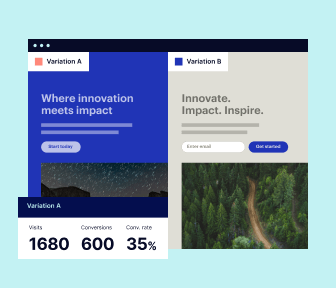
Robust analytics & experimentation
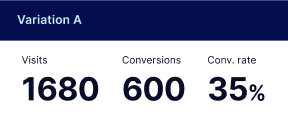
Get real-time updates and reporting across all your devices, showing the number of visitors, conversions, cost-per-visitor, and cost-per-lead. Launch AI-powered experiments, run A/B tests, and use heatmaps to analyze user behavior, then optimize your landing page to maximize conversions.
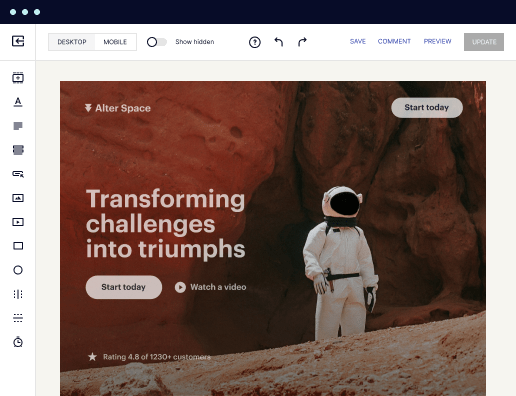

Easy to build without coding
With the intuitive drag-and-drop builder, anyone on your team can create high-converting pages without any knowledge of code or design. Make enhancements to your landing page with custom widgets using Javascript, HTML/CSS, or third-party scripts.
Multiple layouts for any industry and goal
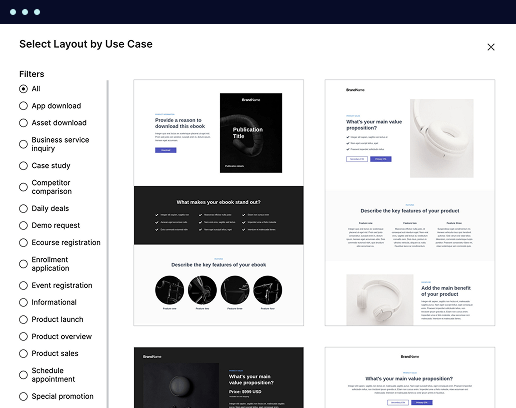
Select from 500+ landing page layouts built to boost conversions across industry-specific scenarios. Customize them by adjusting fonts, adding images, and generating on-brand content with the AI assistant. Quickly scale with Instablocks® and Global Blocks that you can save, reuse, and update globally.
Loads fast and looks polished on any device
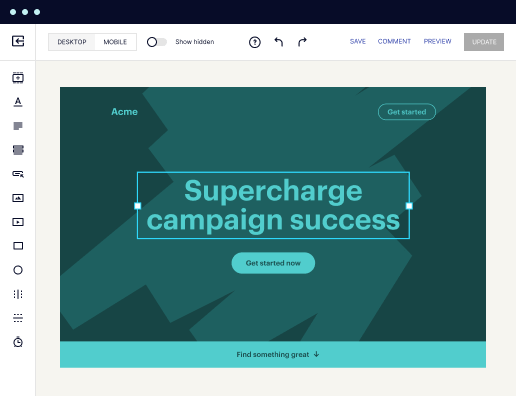
Every template is responsive, which means they present professionally on any device and load blazingly fast with our Thor Render Engine.
Robust analytics & experimentation
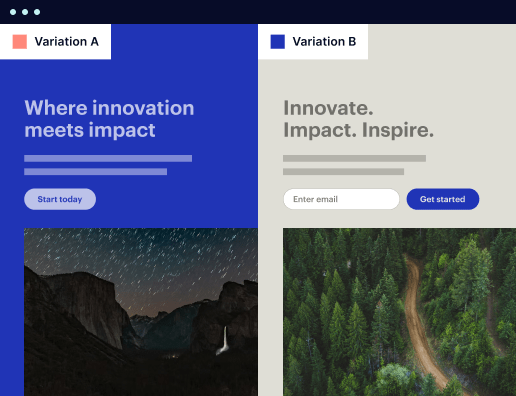
Get real-time updates and reporting across all your devices, showing the number of visitors, conversions, cost-per-visitor, and cost-per-lead. Launch AI-powered experiments, run A/B tests, and use heatmaps to analyze user behavior, then optimize your landing page to maximize conversions.
All the features you need to build lead-generating landing pages

Landing page builder
Easily create landing pages with the intuitive drag-and-drop page builder that features contextual element editing, over 500 page layouts, and 33 million images.

Visual on-page collaboration
Invite teammates and clients to collaborate on page design in real time to get your pages created, reviewed, and launched faster.

AI content generation
Instantly generate audience-focused content with AI-crafted headlines, paragraphs, and CTAs directly within the Instapage builder.

500+ customizable layouts
Choose from a range of professionally tailored page layouts, specifically designed to enhance conversion rates across numerous industry-specific scenarios.
Instablocks
Quickly build personalized landing pages using individual page blocks that you can customize, save, and reuse.
Thor Render Engine
Our back-end technology ensures that your landing pages load quickly to increase conversions, SEO rankings, and enhance the overall user experience.
Analytics
Seamlessly connect to Google Analytics to get real-time updates on cost-per-visitor and cost-per-lead metrics directly in the Instapage platform.
Learn how to build top-performing landing pages for any goal
FAQs

“Instapage gives us the ability to tailor our landing page content and layout to tell a unique story for each geographical target. The platform also enables us to create different variations with content that performs well for each unique channel. Every marketing team needs this!”


"Instapage has truly maximized our digital advertising performance by enabling us to offer matching, personalized experiences for every ad and audience. Now we can scale our landing page experiences as efficiently and effectively as we scale the ads themselves."


"If we have to wait on a developer, our creative velocity plummets. But Instapage has made it possible for us to exponentially grow our advertising programs and convert more customers"

Leading the way in building high-performing landing pages



A comprehensive guide to using Instapage for landing page creation and optimization
Creating effective landing pages is crucial for maximizing ROI in digital marketing campaigns. Instapage provides marketers with powerful tools to accelerate, optimize, scale, and enhance their marketing efforts. This step-by-step guide will walk you through the process of leveraging Instapage for high-converting landing pages tailored to various industries, including business services, education, and financial services.
Understanding landing page optimization
Landing page optimization refers to the process of improving webpages to increase conversion rates. Instapage supports this process by offering over 100 ready-to-use templates and lead generation elements. The platform's user-friendly interface makes it easy to create pages without the need for technical expertise.
- High-converting templates: Choose from a diverse library of designs that suit your campaign goals.
- Intuitive page builder: Utilize drag-and-drop functionalities to streamline your page creation process.
- Lead generation optimization: Integrate forms and CTAs to capture leads effectively.
Step 1: Setting up your landing page
Begin by selecting a template that aligns with your marketing objectives. Customize the content to reflect your unique value proposition and target audience. Instapage allows you to modify text, images, and layout effortlessly.
Step 2: Personalizing your content
It's essential to create personalized experiences for your audience. Utilize dynamic text replacement to tailor messages specifically to different user segments.
- Audience segmentation: Identify key demographics and tailor user experiences accordingly.
- Dynamic text replacement: Automatically change header content based on user queries.
- Ad mapping: Align specific ads with unique landing pages to enhance relevance.
Step 3: Optimizing for conversions
Once your landing page is live, leveraging optimization tools is vital. Use Instapage's A/B testing features to compare different versions of your pages. Monitor performance with detailed analytics dashboards.
- A/B testing: Experiment with headlines, images, and CTAs across different versions.
- Heatmaps: Visualize user behavior to understand which sections of your page attract the most interaction.
- Analytics dashboard: Measure the effectiveness of your pages by tracking conversions and traffic.
In conclusion, Instapage provides comprehensive features that can dramatically improve your landing page performance and ultimately boost your digital marketing success.
Ready to start using Instapage for your landing page creation? Sign up today and take the first step towards optimizing your marketing campaigns.
People also ask about Tutorial website template optimized for Android
Ready to skyrocket conversions?
Supercharge your ad campaigns with high-performing landing pages
Get started