Make your HTML page for Managing partners and convert leads into revenue
Power up and optimize your campaigns with Instapage. Effortlessly create your HTML page for Managing partners to highlight your expertise, attract your target audience, and achieve superior conversion outcomes.









 Build landing pages that get results
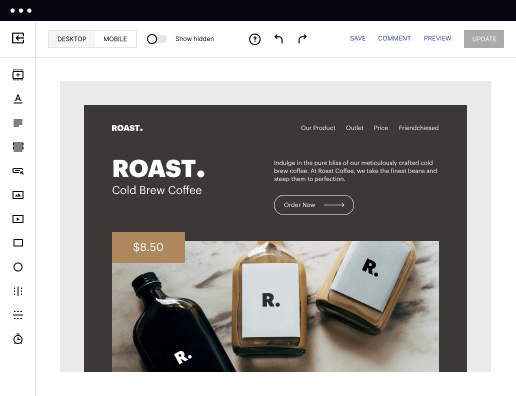
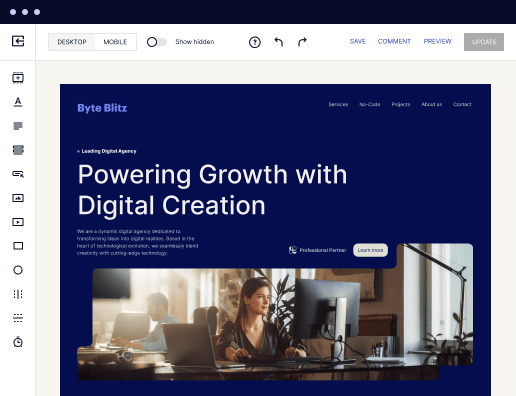
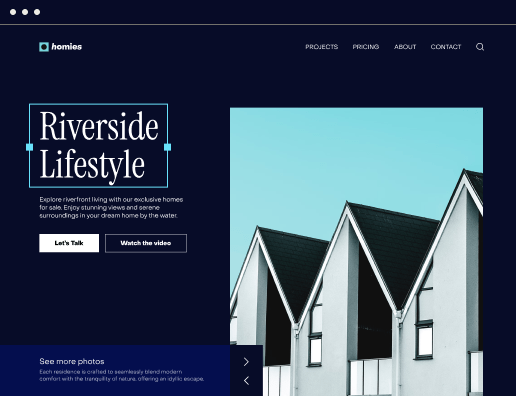
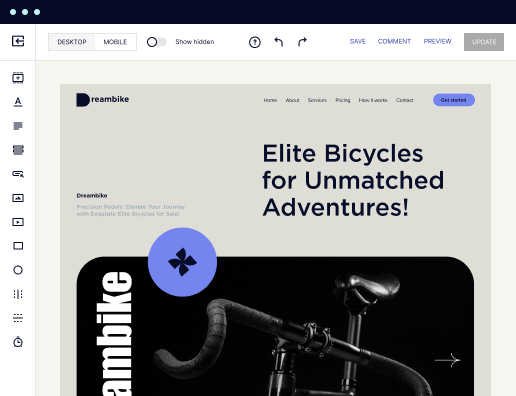
Drive ad campaign performance using targeted landing pages. With over 500+ layouts, AI-content generation, built-in collaboration, Instablocks®, and quick page load technology, you can easily create landing pages that deliver an unparalleled user experience that gets more people buying.

 Boost results through landing page optimization
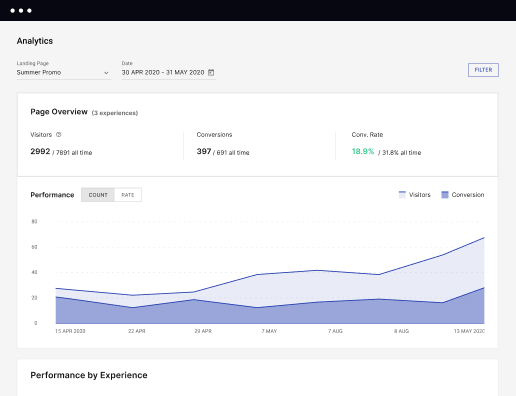
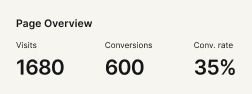
Optimize your landing pages using Instapage’s variety of testing tools. Track and analyze user behavior with heatmaps, run A/B testing to single-out the best performing version, or launch AI-assisted experiments that automatically analyze ad traffic and route it to best-performing.

 Personalize experiences for higher engagement and ROI
Craft unique and high-performing landing pages that align with your ad messaging and resonate with your target audience. By crafting a landing page experience that resonates with your audience, you'll engage more visitors, maximize conversions, and reduce acquisition costs.

 Maximize campaign efficiency with ad mapping
Efficiently manage campaigns by visualizing your ads and mapping them to corresponding landing pages in one place. Define what campaigns need a personalized experience and connect them with relevant ads to increase conversion rates and decrease CPA.

 Power up landing pages with AI
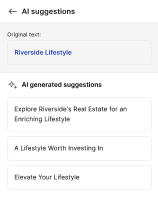
Instantly create high-performing content for each audience segment and separate ad campaigns with the AI assistant. From catchy headlines to converting CTAs for A/B tests – access and use AI directly on your Instapage. No more writer’s block or workflow interruptions.

 Improve alignment across your creative team
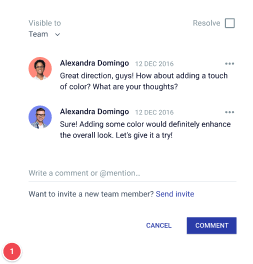
Get your campaigns off the ground faster with efficient teamwork that happens in real time. Empower your team members to provide immediate feedback, make edits to page versions, and securely share information with outside stakeholders all from a single secure space.



 Build landing pages that get resultsBoost results through landing page optimizationPersonalize experiences for higher engagement and ROIMaximize campaign efficiency with ad mappingPower up landing pages with AIBuild landing pages that get results
Creating an Effective HTML Page for Managing Partners
An effective HTML page for managing partners is essential for establishing trust and enhancing collaboration in any business sector. With Instapage, marketers can swiftly create landing pages that resonate with their partners through customizable designs tailored for different industries, whether in marketing, tech, or finance.
Key Benefits of Instapage for Managing Partners
Instapage offers a host of features that streamline the creation and optimization of landing pages aimed at managing partners. These features greatly enhance user engagement and increase conversion rates. Below are the key benefits:
- Conversion-Focused Templates: Leverage over 100 professionally designed templates that cater specifically to the needs of different verticals such as tech, education, and financial services.
- Real-Time Collaboration: Work with your team or external stakeholders seamlessly with Instapage's collaboration tools, allowing for immediate feedback and edits.
- Data-Driven Insights: Utilize detailed analytics and heatmaps to optimize your pages, ensuring they perform well in attracting and retaining partner interest.
Step 1: Designing Your Page
The first step in creating a successful HTML page for managing partners is the design phase. Consider the following:
- Choose the Right Template: Select a template that reflects your brand's personality while also addressing the specific needs of your partners.
- Utilize Dynamic Text Replacement: Personalize your content for different partners to enhance relevance and engagement.
- Incorporate Trust Signals: Include testimonials, case studies, and credentials to build credibility.
Step 2: Optimizing for Conversion
Next, you need to ensure that your page is optimized for conversions. Implementation of these practices is crucial:
- A/B Testing: Regularly test different versions to see which variations drive more partner engagement.
- Heatmaps Analysis: Monitor user interactions with your landing page to identify areas needing improvement.
- Call-to-Action Optimization: Make your CTAs clear and compelling to encourage partners to take the next step.
Step 3: Analyzing Performance
After launching the page, continuous monitoring is essential to gauge its effectiveness. Key actions include:
- Use Analytics Dashboard: Track performance metrics to understand page traffic and conversion rates.
- Solicit Feedback: Regularly gather feedback from partners on their user experience.
- Iterate Based on Data: Use data-driven insights to make informed adjustments to your content and layout.
In conclusion, harnessing the capabilities of Instapage can significantly empower your marketing strategy for managing partners, ensuring you deliver a relevant and impactful user experience.
Ready to create your own high-converting HTML page for managing partners? Start using Instapage today to take your partnership marketing to the next level!
Get more out of Make your HTML page for Managing partners
Improve your Quality Score with quick load technology for landing pages
Increase conversions with content that aligns with your ads and audiences
Achieve maximum ROI by scaling your marketing initiatives

“Instapage gives us the ability to tailor our landing page content and layout to tell a unique story for each geographical target. The platform also enables us to create different variations with content that performs well for each unique channel. Every marketing team needs this!”


"Instapage has truly maximized our digital advertising performance by enabling us to offer matching, personalized experiences for every ad and audience. Now we can scale our landing page experiences as efficiently and effectively as we scale the ads themselves."


"If we have to wait on a developer, our creative velocity plummets. But Instapage has made it possible for us to exponentially grow our advertising programs and convert more customers"

Leading the way in building high-performing landing pages



FAQs
See how to make your html page for managing partners in action
Ready to skyrocket conversions?
Supercharge your ad campaigns with high-performing landing pages.
Get started