Make your tailored opt-in page for Store managers
Empower Store managers with Instapage to deliver impactful opt-in page experiences and boost conversions.









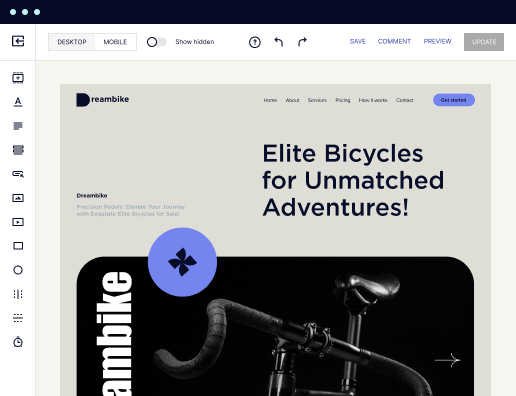
 500+ customizable layouts
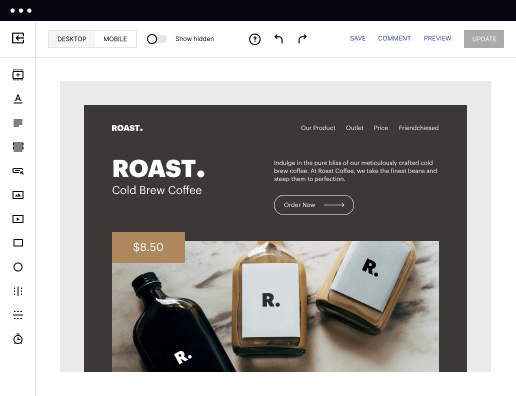
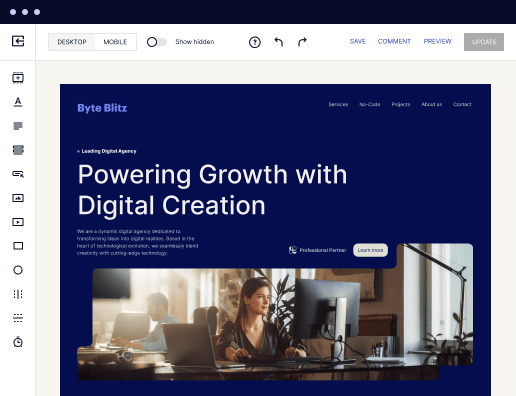
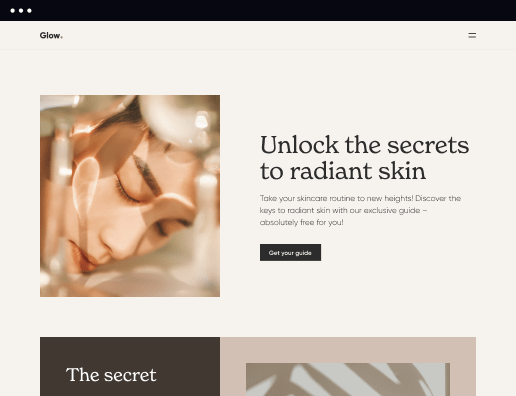
Get your campaigns up and running faster with conversion-focused landing page layouts designed for every industry and business type. Easily scale landing page generation with Instablocks® and Global Blocks that you can save, reuse, and update globally.

 Mobile responsiveness
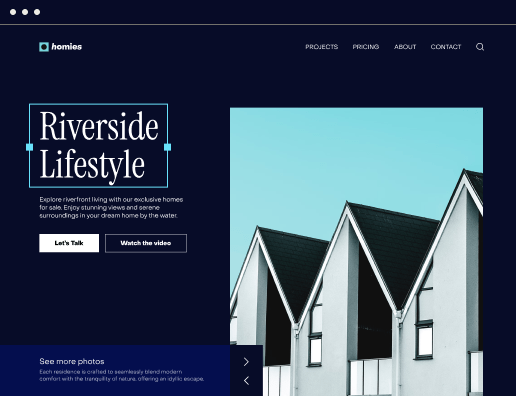
All Instapage landing pages are optimized for responsiveness. They adapt to any screen size, ensuring a consistent user experience across all devices.

 A/B split testing
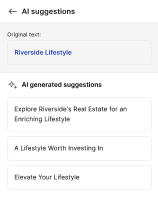
Make data-driven decisions to optimize conversions with A/B testing capabilities. Experiment with different landing page variations, separate elements, layouts, and content that you can instantly generate with AI.

 Seamless ad mapping
Boost conversions and lower your CPA by personalizing your landing pages. With AdMap®, you can effortlessly visualize your ad campaigns, link them to relevant landing pages, or create new personalized pages. Then, synchronize updates of ads and landing pages without any back-and-forth.

 Detailed reporting
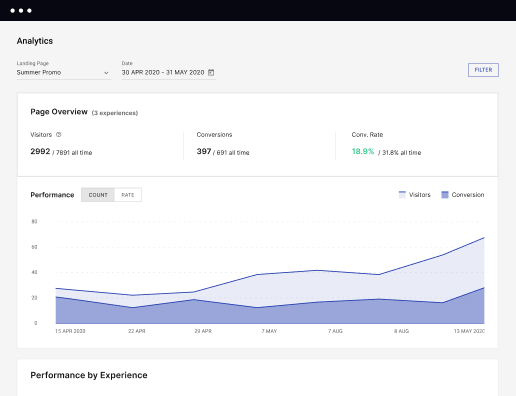
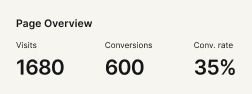
Instapage provides detailed real-time reports over any period of time and across all your devices. To help you better understand your audience and optimize your marketing strategy, check conversion analytics that you can view directly from Instapage.

 Integrations with 120+ marketing tools
Instapage seamlessly connects with popular marketing tools and platforms, including CRMs, e-commerce, analytics tools, marketing automation platforms, email marketing software, and more. Everything you need to drive conversions and grow your business is at your fingertips.


 500+ customizable layoutsMobile responsivenessA/B split testingSeamless ad mappingDetailed reporting500+ customizable layouts
Create your opt-in page for Store managers: A step-by-step guide
Creating an effective opt-in page for store managers is critical in driving conversions and enhancing customer loyalty. Instapage's robust landing page platform offers an intuitive way to develop high-converting pages tailored to specific audience segments within the USA. With an extensive library of conversion-focused layouts and easy-to-use features, building a personalized opt-in page has never been easier.
Step 1: Define Your Goals
Before diving into the creation of your opt-in page, it’s essential to define clear objectives. What actions do you want your visitors to take? Identifying specific goals will guide your content and design choices.
- Increase email subscriptions: Focus on crafting compelling copy that highlights the value of signing up.
- Drive product interest: Use engaging visuals that draw attention to featured products.
- Build community engagement: Offer exclusive content or promotions through your opt-in page.
Step 2: Use Instapage for Page Creation
Harness the power of Instapage to bring your opt-in page vision to life. With no coding required, use the drag-and-drop functionality to customize your layout.
- Select a template: Choose from 100+ conversion-oriented designs tailored to your audience.
- Implement dynamic text replacement: This feature allows you to customize content based on the ad user clicked on, increasing relevancy.
- Utilize Instablocks for fast building: Quickly incorporate sections of your site or reusable content blocks into your opt-in page.
Step 3: Optimize for Performance
Optimizing your page is key to ensuring it performs well. Leverage Instapage's built-in experimentation features to enhance user engagement.
- Conduct A/B tests: Experiment with different headlines, calls-to-action, and images to see what resonates best with your audience.
- Review heatmaps: Utilize heatmaps to understand how users interact with your page and adjust designs accordingly.
- Monitor analytics dashboard: Track conversions and user behaviors for ongoing optimization.
By following these steps, you will create a compelling opt-in page that not only attracts visitors but converts them into loyal customers.
Remember to continually iterate based on analytics insights and user feedback.
Ready to elevate your marketing strategy? Start building your opt-in page with Instapage today!
Get more out of Create your opt-in page for Store managers
Improve your Quality Score with quick load technology for landing pages
Increase conversions with content that aligns with your ads and audiences
Achieve maximum ROI by scaling your marketing initiatives

“Instapage gives us the ability to tailor our landing page content and layout to tell a unique story for each geographical target. The platform also enables us to create different variations with content that performs well for each unique channel. Every marketing team needs this!”


"Instapage has truly maximized our digital advertising performance by enabling us to offer matching, personalized experiences for every ad and audience. Now we can scale our landing page experiences as efficiently and effectively as we scale the ads themselves."


"If we have to wait on a developer, our creative velocity plummets. But Instapage has made it possible for us to exponentially grow our advertising programs and convert more customers"

Leading the way in building high-performing landing pages





FAQs
See how to create your opt-in page for store managers in action
Ready to skyrocket conversions?
Supercharge your ad campaigns with high-performing landing pages.
Get started