Make your tailored home page for Intake coordinators
Empower Intake coordinators with Instapage to deliver impactful home page experiences and boost conversions.









 Build landing pages at scale without coding
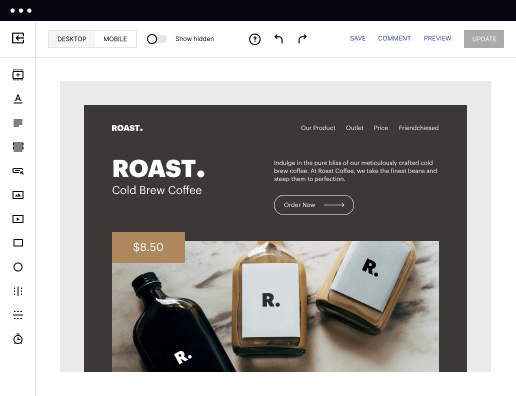
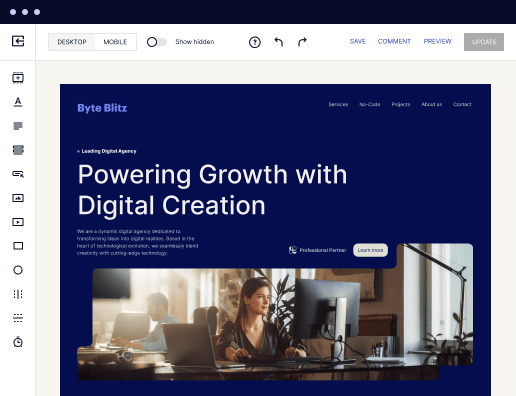
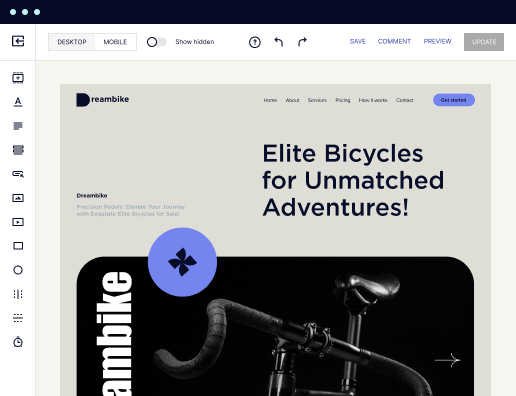
With Instapage’s intuitive drag-and-drop page builder with diverse design features, over 5,000 fonts, and 33 million images, anyone can easily create professional-looking, top-performing landing pages without technical or design skills.

 Increase conversions with fast-loading pages
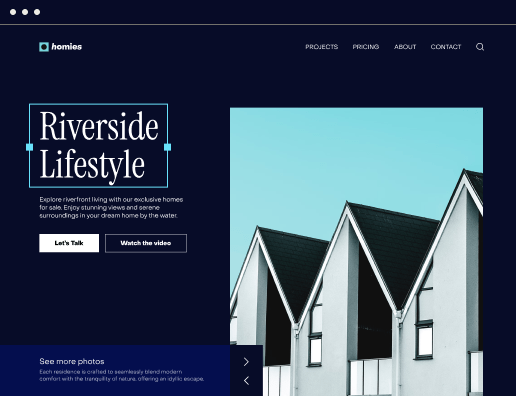
Reduce bounce rates and increase engagement with lightning-fast landing pages. Our Thor Render Engine™, back-end technology delivers 3x faster-loading landing pages so you won't lose a single lead.

 Boost productivity with AI content generation
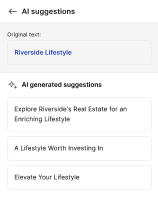
Scale page creation and overcome writer’s block or generate copy variations for A/B tests with the AI Content Generator. Create high-quality and engaging content for each audience and ad group, including paragraphs, CTAs, or entire copies directly in the Instapage builder.

 Make the most of analytic insights
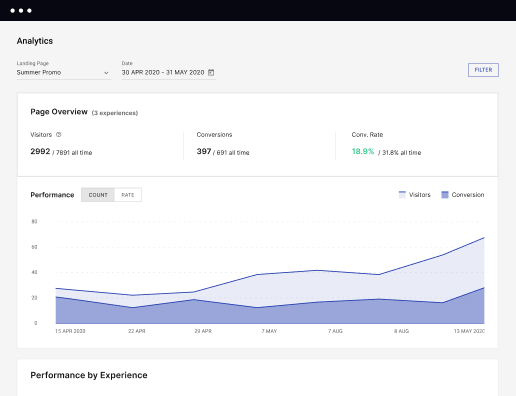
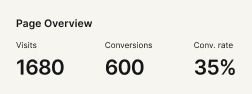
Get data-backed insights about your campaigns and page performance so you can test and optimize for higher ROI. Track visitors, conversions, conversion rates, cost-per-visitor, and cost-per-lead in real time. View heatmaps to understand user behavior - all without leaving Instapage.

 Optimize traffic with AI experiments
Improve page performance fast with an AI-powered experimentation tool. It tracks your ongoing experiments and directs traffic to top-performing page variations, no matter how many versions you have. Achieve faster optimization insights without sacrificing the quality of your results.

 Secure your business data
Instapage safeguards business data and your customer's privacy with enterprise-grade security measures, including SSL certification, two-factor authentication, SSO, and more. Instapage also maintains compliance with GDPR, SOC 2, and CCPA regulations.



 Build landing pages at scale without codingIncrease conversions with fast-loading pagesBoost productivity with AI content generationMake the most of analytic insightsOptimize traffic with AI experimentsBuild landing pages at scale without coding
Create your home page for Intake coordinators with Instapage
Creating a home page specifically tailored for intake coordinators is essential for cultivating effective communication and engagement with potential clients. Instapage empowers marketers to take control of this process by offering customizable landing pages that resonate with specific audiences and enhance user experience, thereby ensuring higher conversion rates.
Understanding the Importance of Tailored Landing Pages
Tailoring your landing page for intake coordinators is crucial because it directly addresses the needs of potential clients. Such personalization increases brand trust and customer loyalty while reducing marketing costs. Instapage offers over 100 conversion-focused layouts and Instablocks, enabling your team to build pages without the need for technical expertise.
- Enhanced User Experience: Personalized content leads to better engagement and satisfaction.
- Higher Conversion Rates: Custom landing pages can convert leads more effectively.
- Cost-Effective Marketing: Lower overall costs through targeted messaging and reduced ad spend.
Step 1: Choose the Right Layout
Begin by selecting a layout that aligns with the specific goals of your intake process. Different industries such as education and financial services may require unique approaches to their landing pages. Using Instapage’s intuitive tools, marketers can quickly select a fitting design.
- Assess Your Objectives: Identify what specific actions you want your audience to take.
- Select Templates: Look through Instapage's customizable templates to find the best fit.
- Preview and Test: Use the preview feature to check responsiveness across devices.
Step 2: Optimize for Conversions
Once a layout is selected, the next step is optimizing the page content for maximum conversions. This includes integrating Calls-to-Action (CTAs) that resonate with your audience and utilizing A/B testing to refine page elements.
- Dynamic Content: Use text replacement for personalized messaging.
- Engaging CTAs: Design attention-grabbing buttons that guide users to desired actions.
- Use Heatmaps: Analyze user behavior to enhance content and design.
Step 3: Collaborate and Iterate
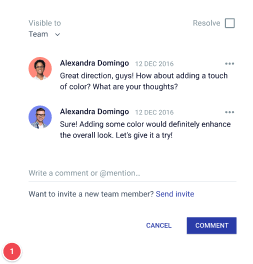
Utilizing Instapage's collaboration features allows team members to provide instant feedback and make real-time edits. This collaborative process is vital to ensuring the final product is polished and meets the needs of all stakeholders.
- Real-Time Editing: Collaborators can make changes simultaneously.
- Secure Sharing: Easily share your designed pages with external stakeholders.
- Feedback Tools: Utilize commenting features to streamline communication.
By following these steps, marketers can create an effective and engaging landing page for intake coordinators that not only stands out but also drives significant results.
Ready to enhance your marketing strategy? Start building your custom landing pages with Instapage today and transform how you connect with your audiences.
Get more out of Create your home page for Intake coordinators
Improve your Quality Score with quick load technology for landing pages
Increase conversions with content that aligns with your ads and audiences
Achieve maximum ROI by scaling your marketing initiatives

“Instapage gives us the ability to tailor our landing page content and layout to tell a unique story for each geographical target. The platform also enables us to create different variations with content that performs well for each unique channel. Every marketing team needs this!”


"Instapage has truly maximized our digital advertising performance by enabling us to offer matching, personalized experiences for every ad and audience. Now we can scale our landing page experiences as efficiently and effectively as we scale the ads themselves."


"If we have to wait on a developer, our creative velocity plummets. But Instapage has made it possible for us to exponentially grow our advertising programs and convert more customers"

Leading the way in building high-performing landing pages





FAQs
See how to create your home page for intake coordinators in action
Ready to skyrocket conversions?
Supercharge your ad campaigns with high-performing landing pages.
Get started