Make your app page for Referees and convert leads into revenue
Power up and optimize your campaigns with Instapage. Effortlessly create your app page for Referees to highlight your expertise, attract your target audience, and achieve superior conversion outcomes.









 500+ customizable layouts
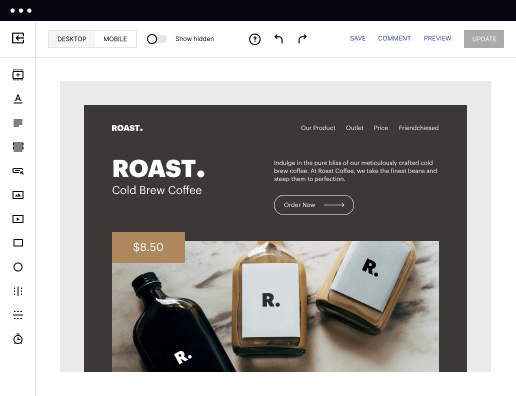
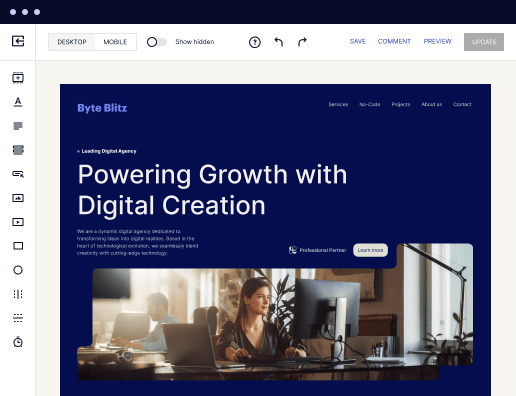
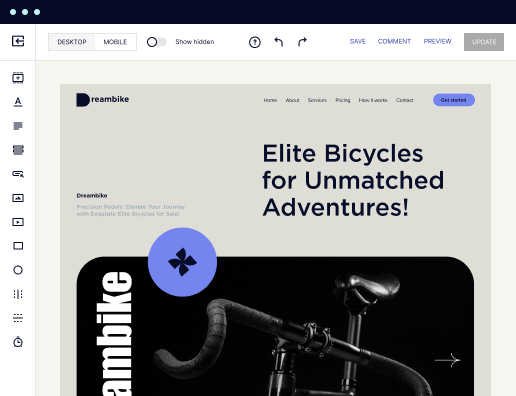
Get your campaigns up and running faster with conversion-focused landing page layouts designed for every industry and business type. Easily scale landing page generation with Instablocks® and Global Blocks that you can save, reuse, and update globally.

 Mobile responsiveness
All Instapage landing pages are optimized for responsiveness. They adapt to any screen size, ensuring a consistent user experience across all devices.

 A/B split testing
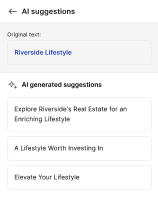
Make data-driven decisions to optimize conversions with A/B testing capabilities. Experiment with different landing page variations, separate elements, layouts, and content that you can instantly generate with AI.

 Seamless ad mapping
Boost conversions and lower your CPA by personalizing your landing pages. With AdMap®, you can effortlessly visualize your ad campaigns, link them to relevant landing pages, or create new personalized pages. Then, synchronize updates of ads and landing pages without any back-and-forth.

 Detailed reporting
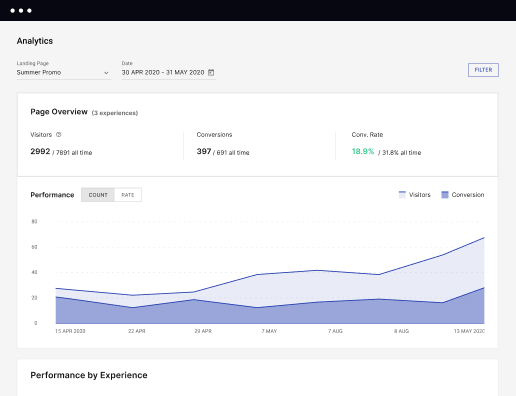
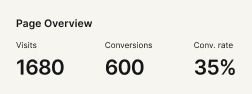
Instapage provides detailed real-time reports over any period of time and across all your devices. To help you better understand your audience and optimize your marketing strategy, check conversion analytics that you can view directly from Instapage.

 Integrations with 120+ marketing tools
Instapage seamlessly connects with popular marketing tools and platforms, including CRMs, e-commerce, analytics tools, marketing automation platforms, email marketing software, and more. Everything you need to drive conversions and grow your business is at your fingertips.




 500+ customizable layoutsMobile responsivenessA/B split testingSeamless ad mappingDetailed reporting500+ customizable layouts
Create your app page for Referees with Instapage
Creating an effective app page for referees is crucial in modern sports management. With Instapage, you can effortlessly design landing pages that not only reduce costs but also boost conversion rates. This step-by-step guide will help you tap into customized experiences, ultimately increasing your brand's trust and customer loyalty.
Understanding the Importance of a Dedicated Landing Page
A dedicated landing page for referees is vital for any sports organization or app aiming to engage with officials. An optimized landing page can lead to higher conversions by providing relevant information that resonates with your target audience. Whether focusing on marketing services or tech solutions, Instapage’s features ensure that you present the most critical aspects effectively.
- Targeted messaging: Craft your content specifically for referees to increase relevancy.
- Built-in analytics: Use detailed data insights to optimize the page's performance.
- User-friendly design: Create visually appealing layouts that enhance user engagement.
Step 1: Leverage Instablocks for Quick Creation
Instablocks are pre-built design sections that make it easy to create a customized referee app page without any coding. You can choose from over 100 conversion-focused layouts to find those most relevant to your needs.
Step 2: Optimize Your Page for Conversions
After building your landing page, it’s essential to fine-tune it for performance. Use Instapage’s built-in experimentation features like A/B testing to gather valuable insights. Consider the following strategies:
- Heatmaps: Utilize these tools to visualize how users interact with the page.
- A/B Testing: Compare different versions of your landing page to see what performs best.
- Performance Metrics: Regularly check analytics to make informed decisions based on user behavior.
Step 3: Personalize Content for Your Audience
Personalization is key in improving user experience and conversion rates on your landing page. Use Instapage’s dynamic text replacement and AdMaps to ensure that you deliver messages that resonate with your unique audience.
- Dynamic text replacement: Change text based on user segments for better relevancy.
- AdMap alignment: Ensure ads redirect users to personalized landing pages.
- Tracking metrics: Monitor audience engagement to continually refine your approach.
With these steps, you're on your way to creating an impactful app page for referees. Remember, optimizing continually will lead to increased conversions and heightened engagement.
Start leveraging Instapage to create your app page for referees today and watch your conversion rates soar. Sign up now for a free trial and see the difference!
Get more out of Create your app page for Referees
Improve your Quality Score with quick load technology for landing pages
Increase conversions with content that aligns with your ads and audiences
Achieve maximum ROI by scaling your marketing initiatives

“Instapage gives us the ability to tailor our landing page content and layout to tell a unique story for each geographical target. The platform also enables us to create different variations with content that performs well for each unique channel. Every marketing team needs this!”


"Instapage has truly maximized our digital advertising performance by enabling us to offer matching, personalized experiences for every ad and audience. Now we can scale our landing page experiences as efficiently and effectively as we scale the ads themselves."


"If we have to wait on a developer, our creative velocity plummets. But Instapage has made it possible for us to exponentially grow our advertising programs and convert more customers"

Leading the way in building high-performing landing pages





FAQs
See how to create your app page for referees in action
Ready to skyrocket conversions?
Supercharge your ad campaigns with high-performing landing pages.
Get started