Make your tailored pre-launch page for Content editors
Empower Content editors with Instapage to deliver impactful pre-launch page experiences and boost conversions.









 Build landing pages that get results
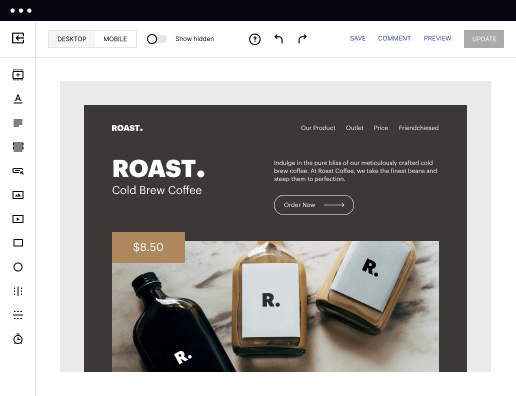
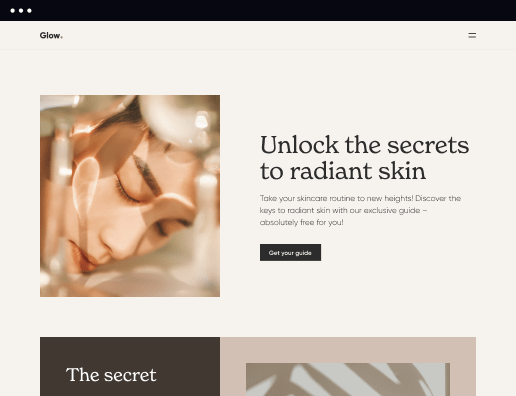
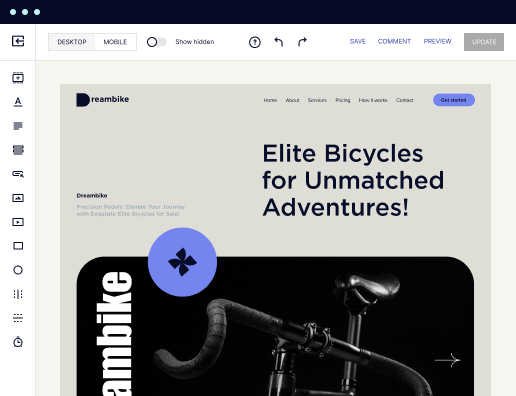
Drive ad campaign performance using targeted landing pages. With over 500+ layouts, AI-content generation, built-in collaboration, Instablocks®, and quick page load technology, you can easily create landing pages that deliver an unparalleled user experience that gets more people buying.

 Boost results through landing page optimization
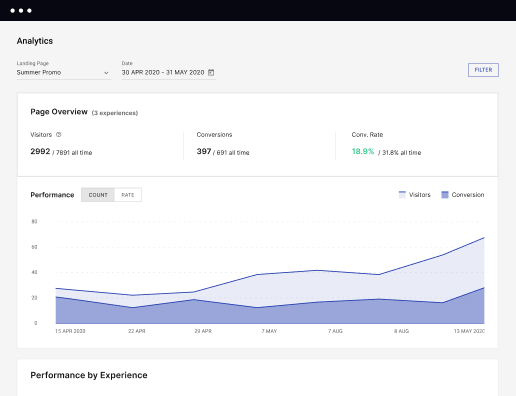
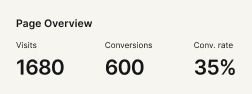
Optimize your landing pages using Instapage’s variety of testing tools. Track and analyze user behavior with heatmaps, run A/B testing to single-out the best performing version, or launch AI-assisted experiments that automatically analyze ad traffic and route it to best-performing.

 Personalize experiences for higher engagement and ROI
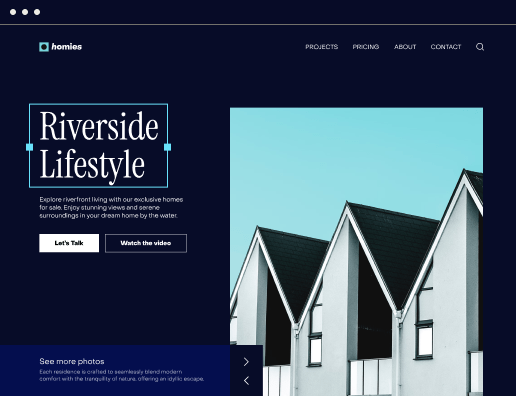
Craft unique and high-performing landing pages that align with your ad messaging and resonate with your target audience. By crafting a landing page experience that resonates with your audience, you'll engage more visitors, maximize conversions, and reduce acquisition costs.

 Maximize campaign efficiency with ad mapping
Efficiently manage campaigns by visualizing your ads and mapping them to corresponding landing pages in one place. Define what campaigns need a personalized experience and connect them with relevant ads to increase conversion rates and decrease CPA.

 Power up landing pages with AI
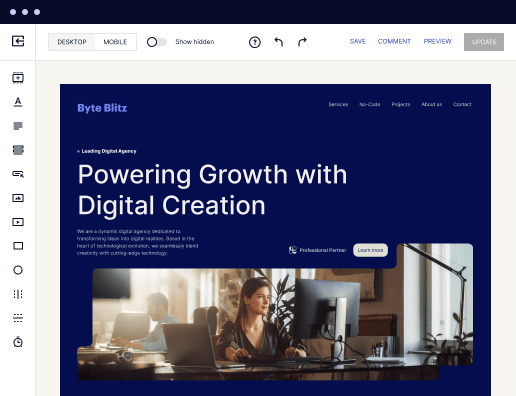
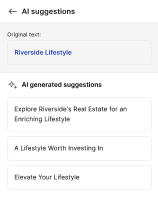
Instantly create high-performing content for each audience segment and separate ad campaigns with the AI assistant. From catchy headlines to converting CTAs for A/B tests – access and use AI directly on your Instapage. No more writer’s block or workflow interruptions.

 Improve alignment across your creative team
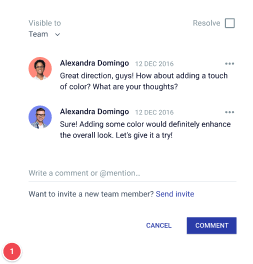
Get your campaigns off the ground faster with efficient teamwork that happens in real time. Empower your team members to provide immediate feedback, make edits to page versions, and securely share information with outside stakeholders all from a single secure space.


 Build landing pages that get resultsBoost results through landing page optimizationPersonalize experiences for higher engagement and ROIMaximize campaign efficiency with ad mappingPower up landing pages with AIBuild landing pages that get results
Create your pre-launch page for content editors with Instapage
Creating an effective pre-launch page is essential for generating excitement and capturing leads before your product or service goes live. Instapage empowers you with tools to build compelling landing pages designed to reduce costs and enhance conversions, all without requiring any coding skills.
Benefits of using Instapage for pre-launch pages
When you opt for Instapage to create your pre-launch page, you leverage a platform built with marketers in mind. You'll access over 100 customizable templates that prioritize conversion, allowing you to focus on delivering relevant experiences that build brand trust. The seamless drag-and-drop interface enables efficient page-building, no matter your technical background.
- Conversion-focused layouts: Instapage offers templates proven to boost conversions, making it easier to capture user interest.
- A/B testing capabilities: Experiment with different designs and content to find what resonates best with your audience.
- Detailed analytics dashboards: Gain insights into user behavior on your landing pages, allowing for continual improvement.
Step 1: Designing your pre-launch page
To start designing your pre-launch page, collaborate with your team to define your target audience and key messaging. Remember to be specific about what you want to communicate. Here’s how to go about it:
- Choose a template: Use one of the 100+ professionally designed templates that align with your brand voice.
- Incorporate compelling visuals: Use high-quality images or video content that illustrates your product’s value.
- Personalize for your audience: Utilize dynamic text replacement features to tailor your messaging based on user data.
Step 2: Optimize your page for conversions
After creating your initial draft, focus on optimization strategies. A well-optimized pre-launch page is crucial for driving conversions and keeping potential customers engaged.
- Conduct A/B tests: Utilize built-in experimentation features to compare elements like headlines, images, and CTAs.
- Analyze heatmaps: Leverage heatmaps to see where users click most often and adjust your page layout accordingly.
- Implement feedback loops: Use stakeholder collaboration features to gather instant feedback for continuous improvement.
Step 3: Launching and tracking performance
Once your pre-launch page is polished and ready, it's crucial to launch effectively and monitor its performance post-launch. This step ensures you're making the most out of user interactions.
- Share the link: Utilize your marketing channels—social media, email campaigns, and even word of mouth.
- Track metrics: Utilize the analytics dashboard to observe page performance in real-time.
- Adjust based on data: Be prepared to make modifications quickly if user engagement does not meet your expectations.
The efforts you invest in creating a pre-launch page can significantly influence product success, ensuring that your audience is engaged and informed leading up to your launch date.
To get started with Instapage today, sign up for a free trial and experience firsthand how easy it is to create dynamic landing pages that resonate with your audience.
Get more out of Create your pre-launch page for Content editors
Improve your Quality Score with quick load technology for landing pages
Increase conversions with content that aligns with your ads and audiences
Achieve maximum ROI by scaling your marketing initiatives

“Instapage gives us the ability to tailor our landing page content and layout to tell a unique story for each geographical target. The platform also enables us to create different variations with content that performs well for each unique channel. Every marketing team needs this!”


"Instapage has truly maximized our digital advertising performance by enabling us to offer matching, personalized experiences for every ad and audience. Now we can scale our landing page experiences as efficiently and effectively as we scale the ads themselves."


"If we have to wait on a developer, our creative velocity plummets. But Instapage has made it possible for us to exponentially grow our advertising programs and convert more customers"

Leading the way in building high-performing landing pages




FAQs
See how to create your pre-launch page for content editors in action
Ready to skyrocket conversions?
Supercharge your ad campaigns with high-performing landing pages.
Get started