Make your app page for Content editors and convert leads into revenue
Power up and optimize your campaigns with Instapage. Effortlessly create your app page for Content editors to highlight your expertise, attract your target audience, and achieve superior conversion outcomes.









 Build landing pages that get results
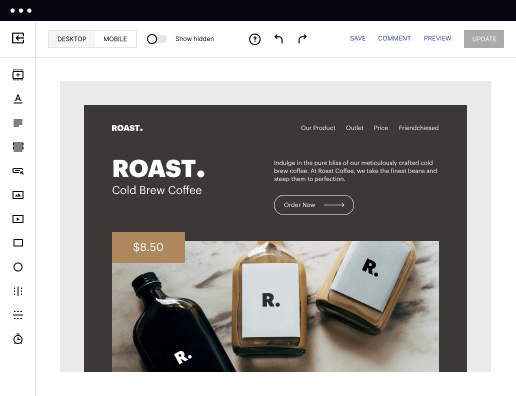
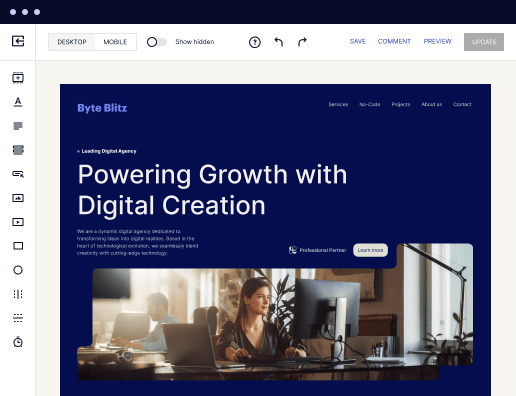
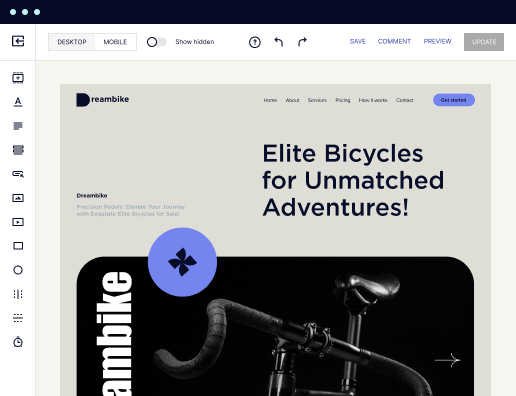
Drive ad campaign performance using targeted landing pages. With over 500+ layouts, AI-content generation, built-in collaboration, Instablocks®, and quick page load technology, you can easily create landing pages that deliver an unparalleled user experience that gets more people buying.

 Boost results through landing page optimization
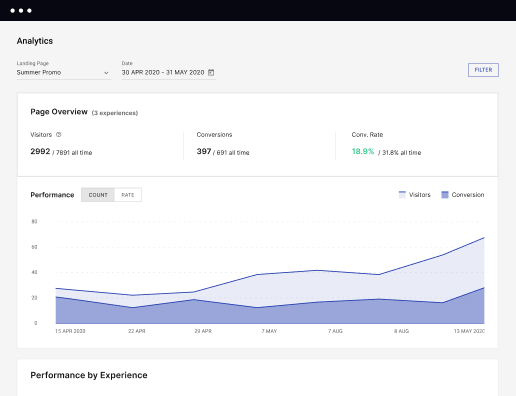
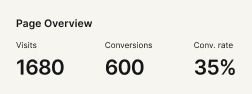
Optimize your landing pages using Instapage’s variety of testing tools. Track and analyze user behavior with heatmaps, run A/B testing to single-out the best performing version, or launch AI-assisted experiments that automatically analyze ad traffic and route it to best-performing.

 Personalize experiences for higher engagement and ROI
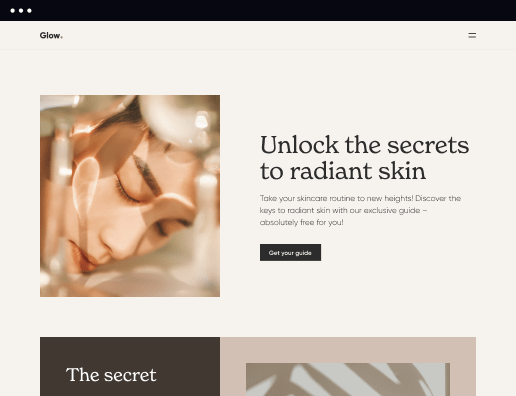
Craft unique and high-performing landing pages that align with your ad messaging and resonate with your target audience. By crafting a landing page experience that resonates with your audience, you'll engage more visitors, maximize conversions, and reduce acquisition costs.

 Maximize campaign efficiency with ad mapping
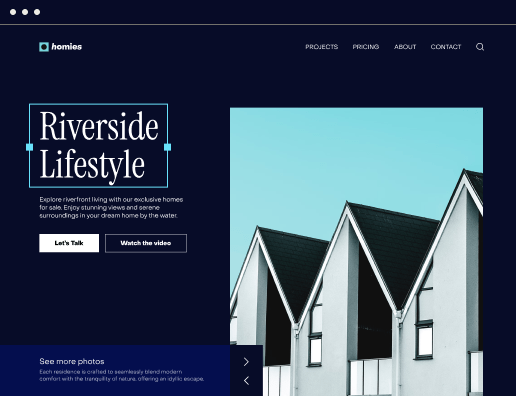
Efficiently manage campaigns by visualizing your ads and mapping them to corresponding landing pages in one place. Define what campaigns need a personalized experience and connect them with relevant ads to increase conversion rates and decrease CPA.

 Power up landing pages with AI
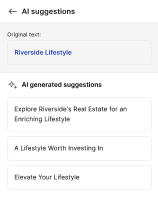
Instantly create high-performing content for each audience segment and separate ad campaigns with the AI assistant. From catchy headlines to converting CTAs for A/B tests – access and use AI directly on your Instapage. No more writer’s block or workflow interruptions.

 Improve alignment across your creative team
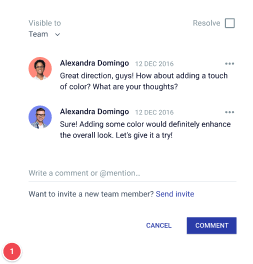
Get your campaigns off the ground faster with efficient teamwork that happens in real time. Empower your team members to provide immediate feedback, make edits to page versions, and securely share information with outside stakeholders all from a single secure space.


 Build landing pages that get resultsBoost results through landing page optimizationPersonalize experiences for higher engagement and ROIMaximize campaign efficiency with ad mappingPower up landing pages with AIBuild landing pages that get results
Build your app page for Content editors in no time
If you are researching ways to amplify your internet presence, build your app page for Content editors with Instapage. This platform is a powerhouse that helps turn clicks into loyal customers, revolutionizing how businesses connect with their audience. One of the key benefits the platform offers will be th customization of advertising. Draft, create, personalize and optimize landing pages for every single marketing campaign, ensuring a distinctive experience for every visitor.
Additionally, Instapage emphasizes the significance of collaboration in a marketing and advertising team. The platform delivers innovative ways for teams to manage their accounts jointly, fostering an environment where ideas can flourish and strategies may be fine-tuned to perfection. Instapage also encourages businesses to explore overlooked marketing channels. From leveraging messaging platforms and affiliate marketing to optimizing business blogs and socials, it guides businesses in harnessing the potential of these channels. Regardless of your design skills, the interface will guide you through the experience until you publish your web page.
Follow these steps to make your app page for Content editors
- Open the Instapage site and authenticate in your profile. If you do not have an account yet, create it utilizing your current email address.
- You will be redirected to your Dashboard. Click CREATE PAGE to start.
- Pick the most suitable type of web page: desktop standard or AMP. You can also upload an Instapage document if you have one.
- Browse the template catalog and select the most suitable one based on your aims. If nothing fits, select BLANK and design forms from scratch.
- Set up the settings for your online queries, conversion goals, and social accounts.
- Click EDIT DESIGN to customize your page’s contents utilizing the toolbar on the left.
- Select PREVIEW to ensure the web page appears as you intended.
- Click PUBLISH to finish editing and publish the landing.
Use this platform to create your app page for Content editors and expand your marketing opportunities. Create your profile to try it today!
Get more out of Build your app page for Content editors
Improve your Quality Score with quick load technology for landing pages
Increase conversions with content that aligns with your ads and audiences
Achieve maximum ROI by scaling your marketing initiatives

“Instapage gives us the ability to tailor our landing page content and layout to tell a unique story for each geographical target. The platform also enables us to create different variations with content that performs well for each unique channel. Every marketing team needs this!”


"Instapage has truly maximized our digital advertising performance by enabling us to offer matching, personalized experiences for every ad and audience. Now we can scale our landing page experiences as efficiently and effectively as we scale the ads themselves."


"If we have to wait on a developer, our creative velocity plummets. But Instapage has made it possible for us to exponentially grow our advertising programs and convert more customers"

Leading the way in building high-performing landing pages




FAQs
See how to build your app page for content editors in action
Ready to skyrocket conversions?
Supercharge your ad campaigns with high-performing landing pages.
Get started