Make your web page for convenience stores and drive sales
Create your web page for convenience stores to show off the latest trends while converting visitors into committed customers. Instapage helps you make your pages stand out to your target audience to drive sales.



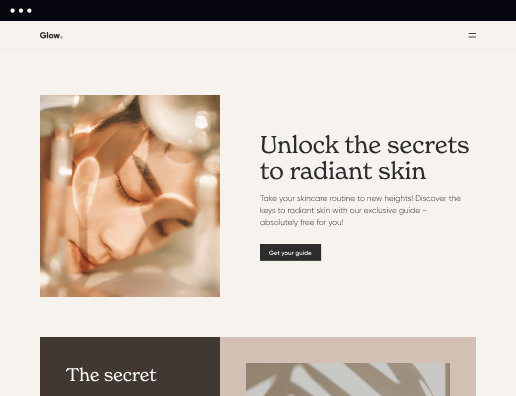
 500+ customizable layouts
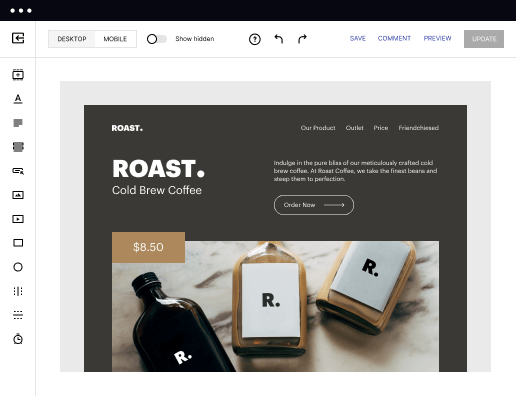
Get your campaigns up and running faster with conversion-focused landing page layouts designed for every industry and business type. Easily scale landing page generation with Instablocks® and Global Blocks that you can save, reuse, and update globally.

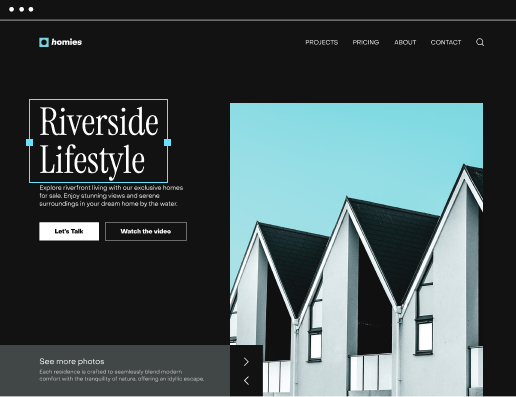
 Mobile responsiveness
All Instapage landing pages are optimized for responsiveness. They adapt to any screen size, ensuring a consistent user experience across all devices. Its built-in AMP support gives future customers a superior mobile browsing experience.

 A/B split testing
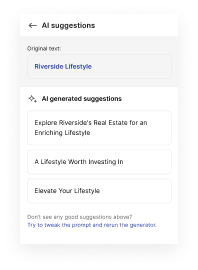
Make data-driven decisions to optimize conversions with A/B testing capabilities applicable to both standard landing pages and AMP pages. Experiment with different landing page variations, separate elements, layouts, and content that you can instantly generate with AI.

 Seamless ad mapping
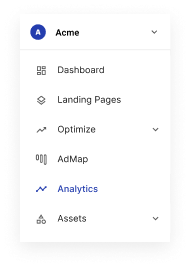
Boost conversions and lower your CPA by personalizing your landing pages. With AdMap®, you can effortlessly visualize your ad campaigns, link them to relevant landing pages, or create new personalized pages. Then, synchronize updates of ads and landing pages without any back-and-forth.

 Detailed reporting
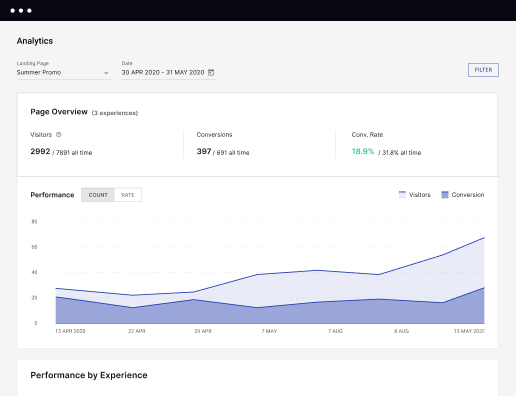
Instapage provides detailed real-time reports over any period of time and across all your devices. To help you better understand your audience and optimize your marketing strategy, check conversion analytics that you can view directly from Instapage.

 Integrations with 120+ marketing tools
Instapage seamlessly connects with popular marketing tools and platforms, including CRMs, e-commerce, analytics tools, marketing automation platforms, email marketing software, and more. Everything you need to drive conversions and grow your business is at your fingertips.



 500+ customizable layouts
Mobile responsiveness
A/B split testing
Seamless ad mapping
Detailed reporting
Integrations with 120+ marketing tools
500+ customizable layouts
Mobile responsiveness
A/B split testing
Seamless ad mapping
Detailed reporting
Integrations with 120+ marketing tools
Build your web page for convenience stores and simplify your internet marketing and advertising
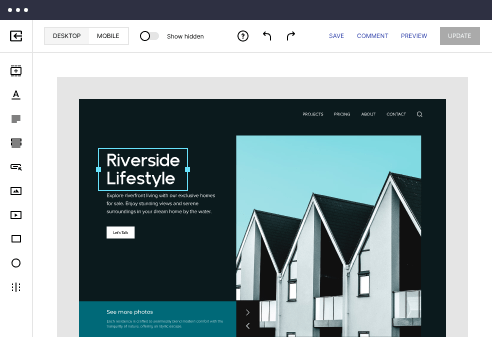
Creating a powerful landing page is now within your reach thanks to services like Instagape. With this robust platform, you can Make your web page for convenience stores effortlessly, even if you are not a seasoned web designer. With its intuitive editor, you can create visually appealing and professional-looking pages with no coding skills.
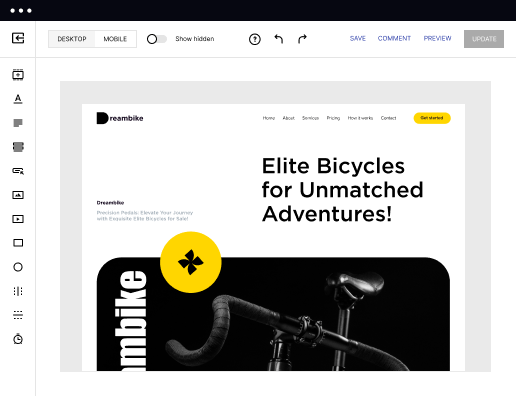
Instapage features a range of customizable templates that are designed to meet different company needs and serve your specific objective. From webinar enrollment webpages to product release layouts, there is a template for any situation. Additionally, each template is fully responsive, ensuring your landing looks fantastic on all screens.
On top of design instruments, it includes powerful features like SEO configurations and statistics on the page’s performance. This way, you may make data-driven decisions and optimize your landing for maximum conversion. Create your own page in a few easy steps.
Steps to build your web page for convenience stores
- Open the Instapage website and log in to your account. If you are a new user, add your existing email to fast-track the signup process.
- Proceed to your Dashboard and click the CREATE PAGE button.
- Choose the landing type: a standard desktop page, a mobile-friendly AMP, or a pre-created Instapage file.
- Go to the page layouts offered and choose the most suitable one based on the purpose of your page. If no template seems suitable, select BLANK and build yours from scratch.
- Set up conversion goals, searches, and social accounts. Then, click EDIT DESIGN to personalize it to your company.
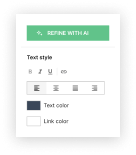
- Use the toolbar on the left to finish every edit. When done, click PREVIEW to make sure everything is in its place.
- Click PUBLISH to publish your landing.
Create your web page for convenience stores and explore more opportunities for internet marketing with Instapage. Select the template you want and begin getting more leads and sales.

"If we have to wait on a developer, our creative velocity plummets. But Instapage has made it possible for us to exponentially grow our advertising programs and convert more customers"





Leading the way in building high-performing landing pages





FAQs
See how to build your web page for convenience stores in action
Ready to skyrocket conversions?
Supercharge your ad campaigns with high-performing landing pages
Get started